Available on iPhone
Every machine’s service history, on your phone. Tick the sheet, scan it, done.
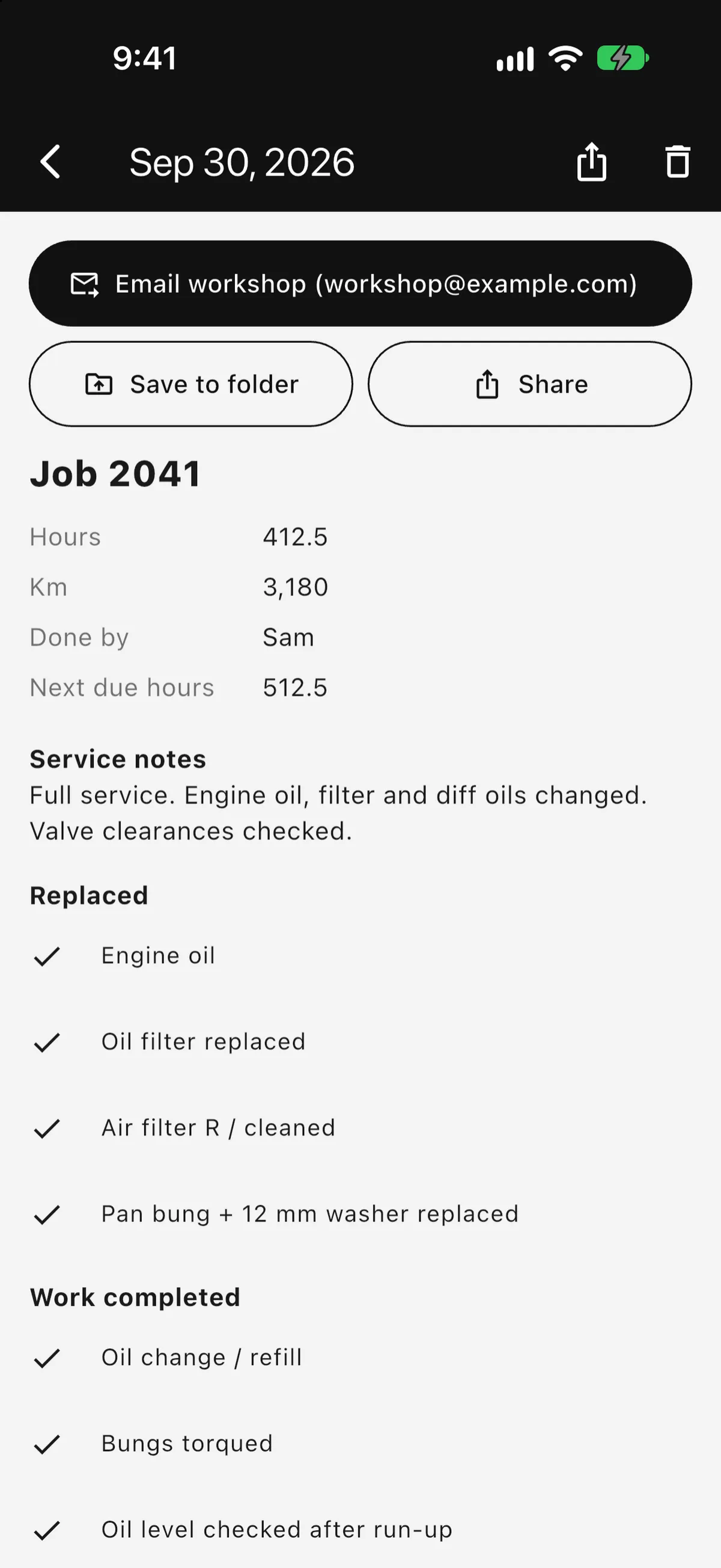
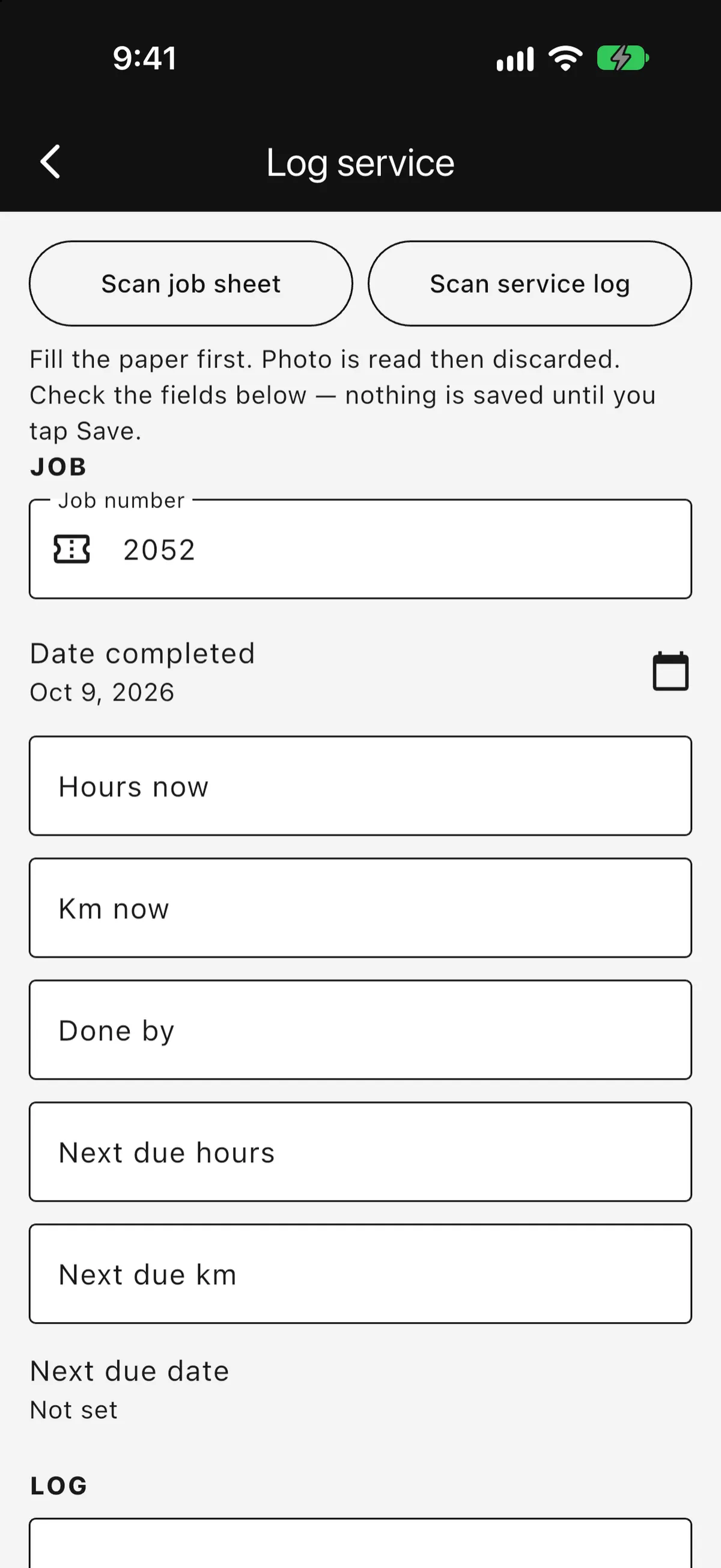
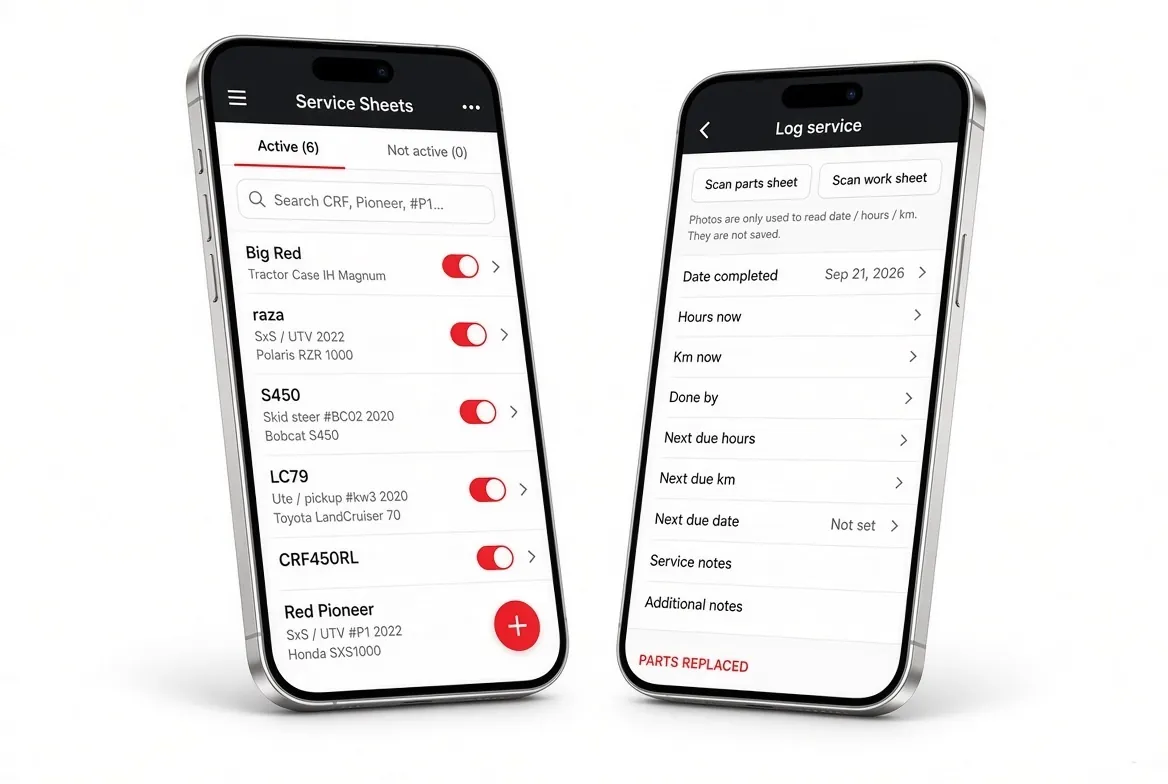
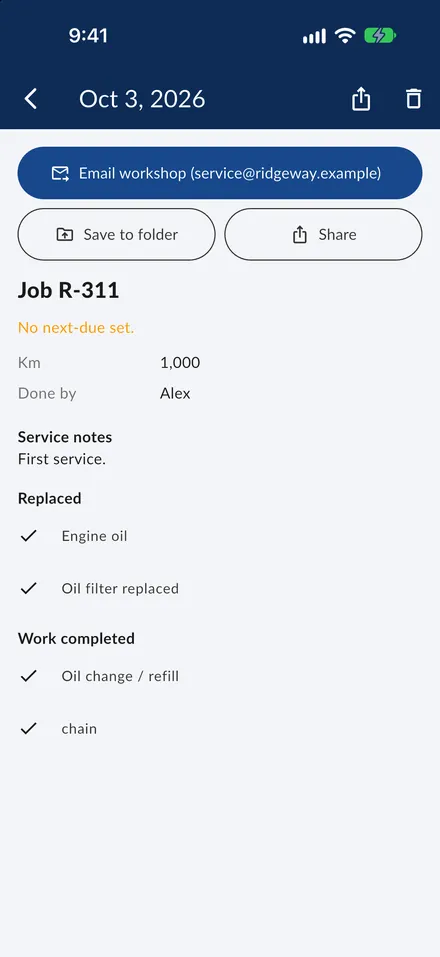
Scan the paper service sheet. Hours, kilometres and ticked work save to that machine. Export a PDF for the workshop or the owner.
What the app does
Tick the sheet, scan it. Hours, km and ticks save to the unit.
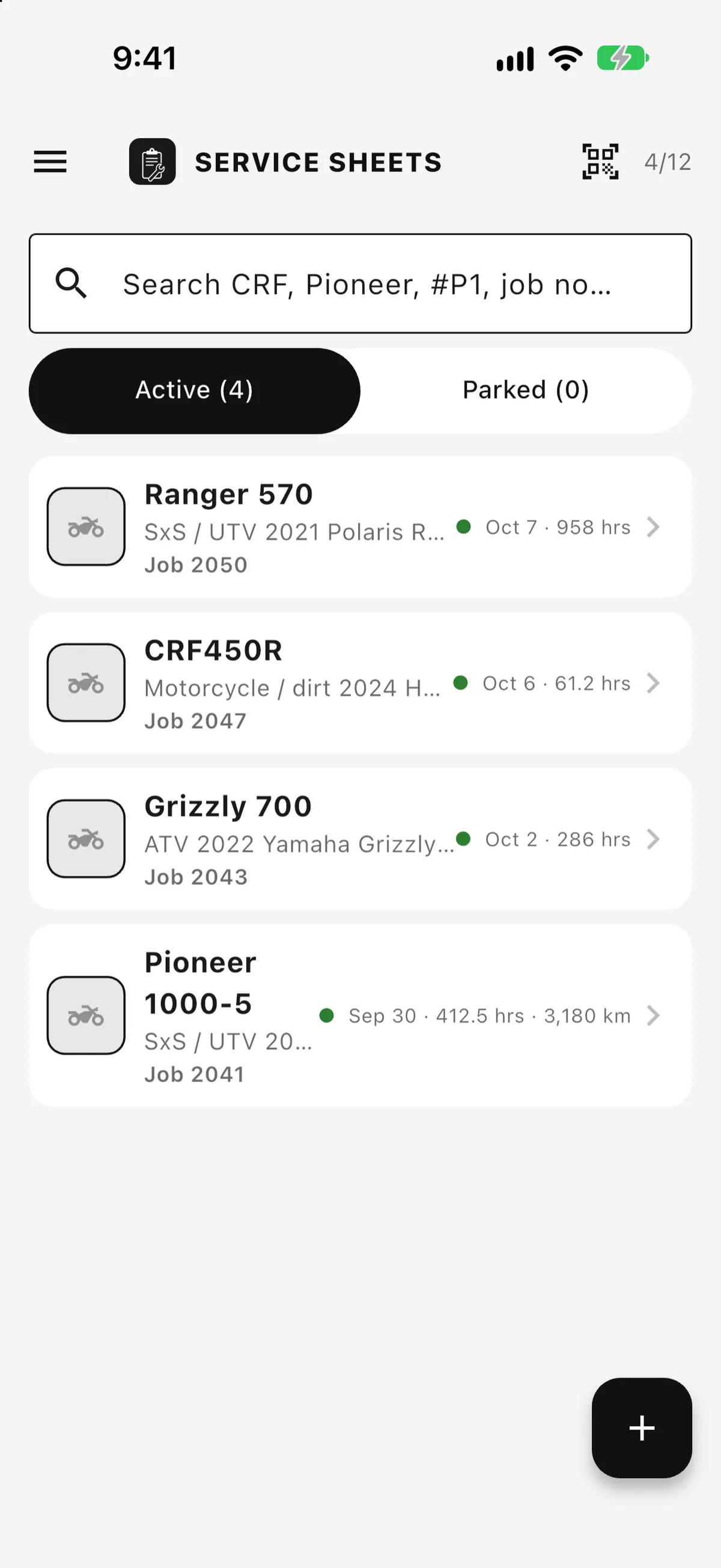
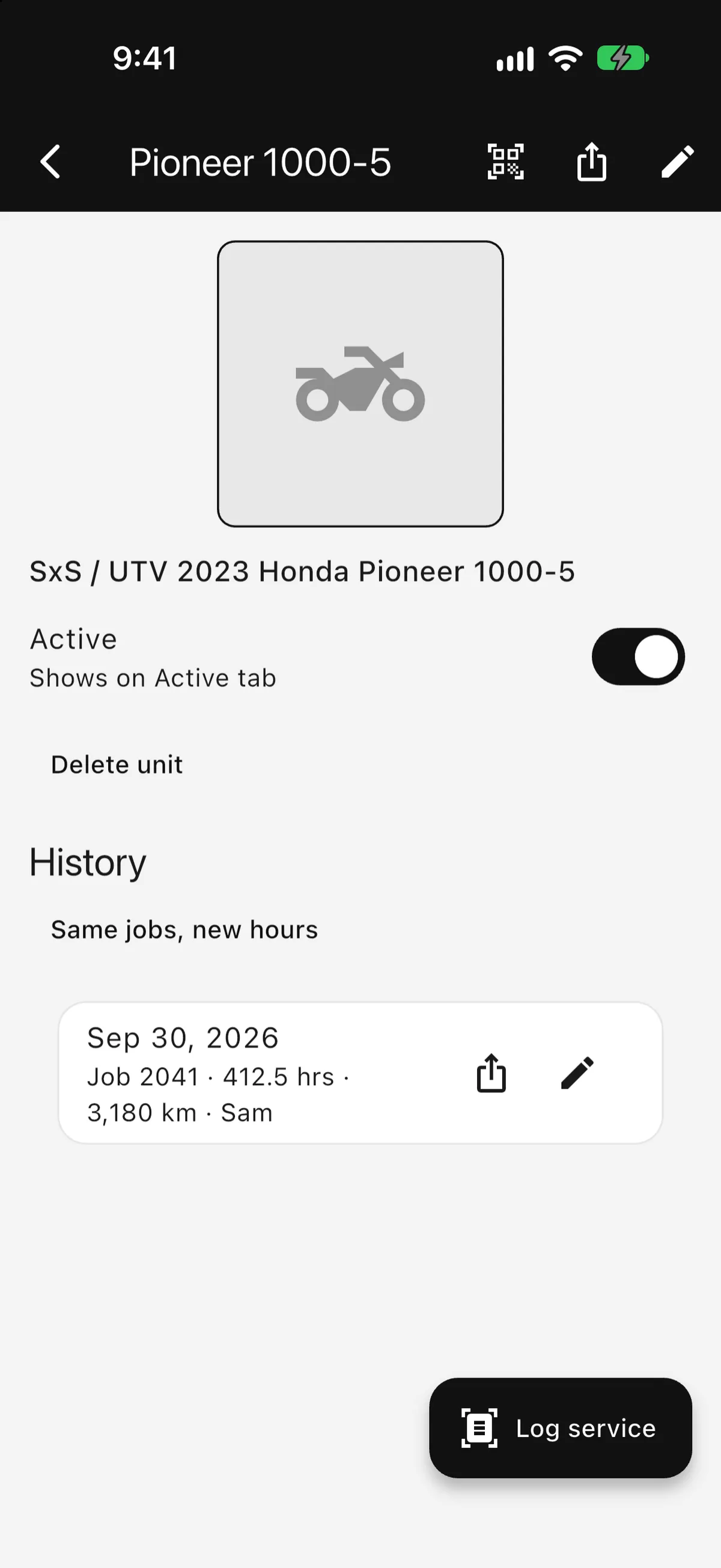
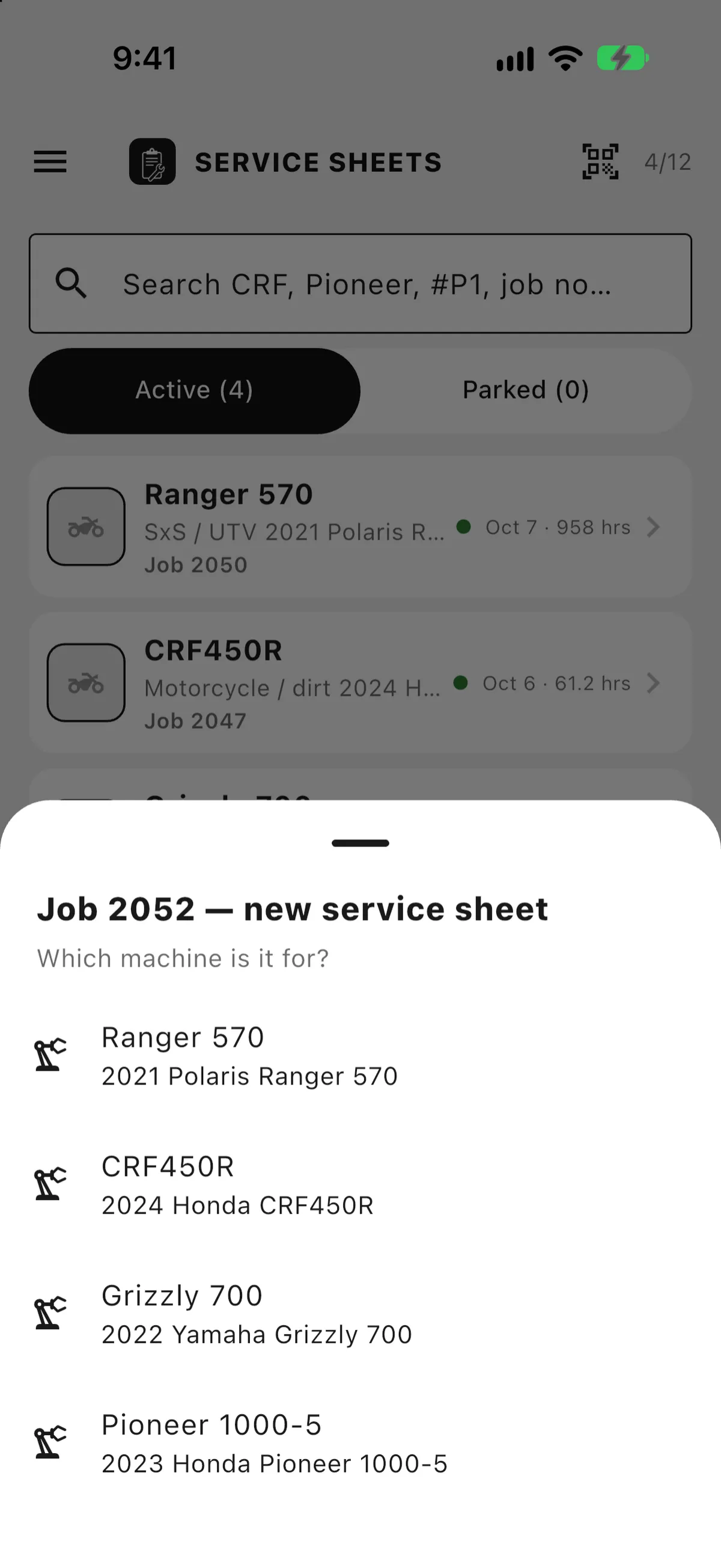
Each machine keeps its history, photos and next due.
Saves on the phone. Syncs when you’re back online.
One PDF per service, named by machine and date.
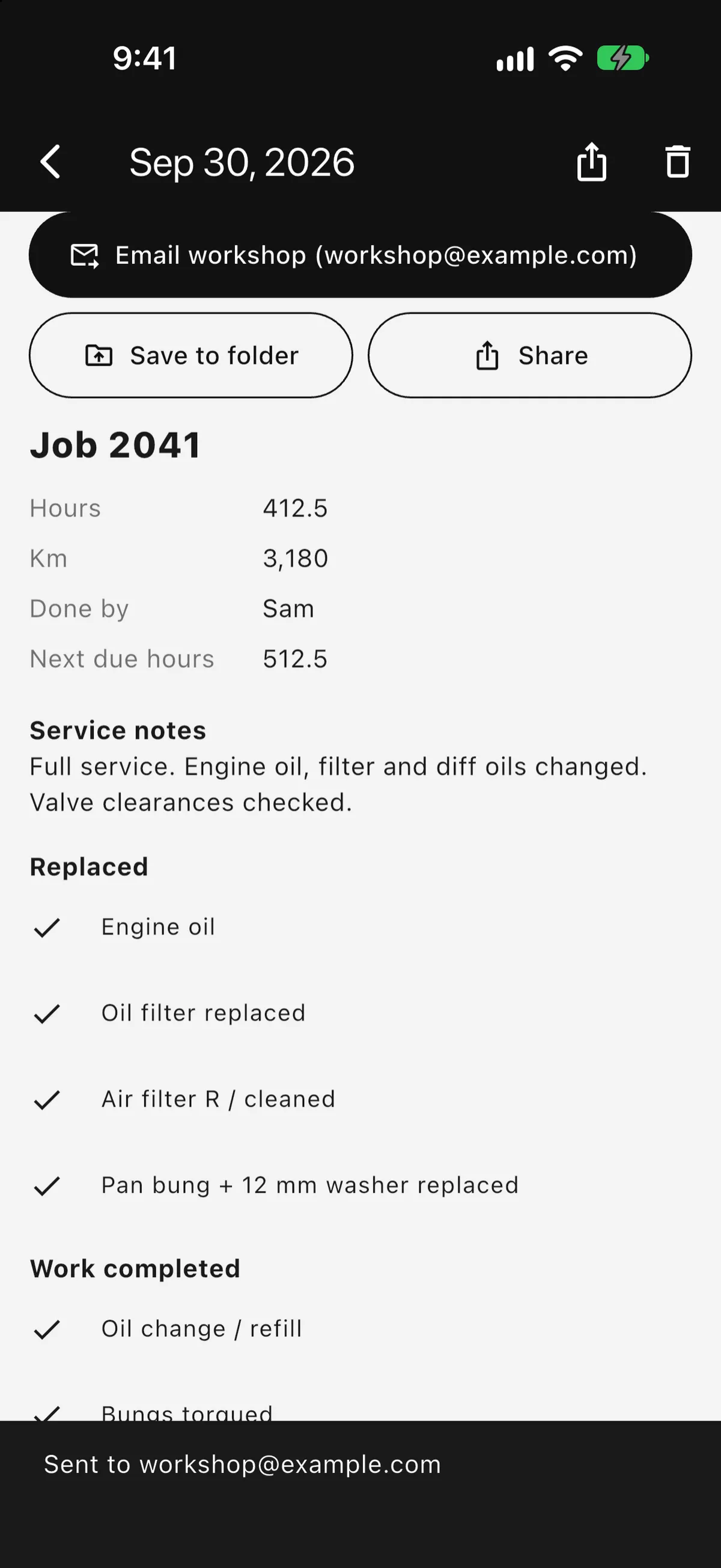
PDF and photos go as separate attachments.
OneDrive, Google Drive or Dropbox, through Files.
A web dashboard for the office. Syncs both ways with the phones.
In the app
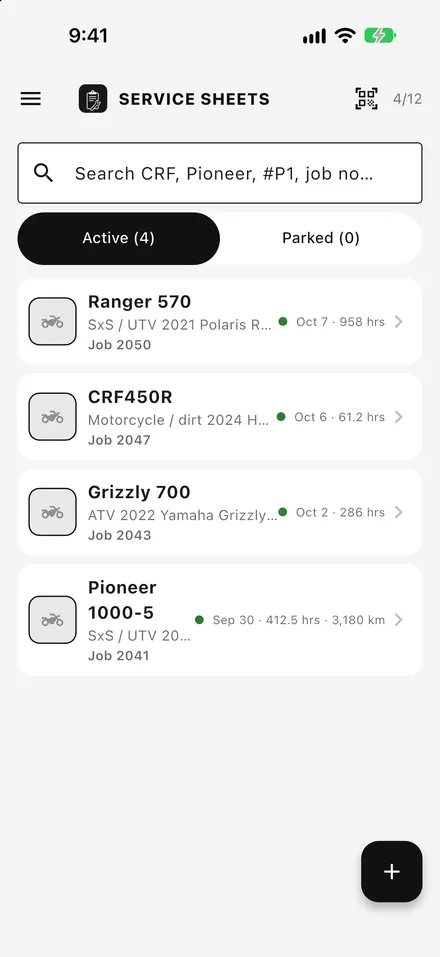
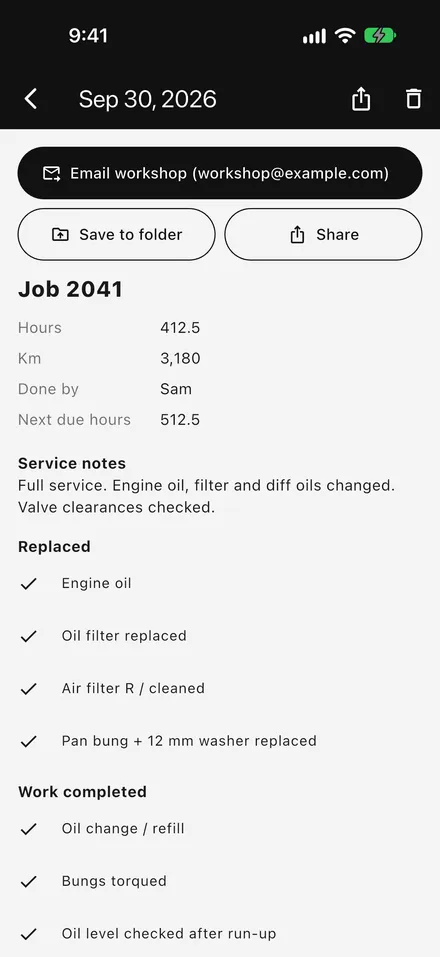
Desk for the office
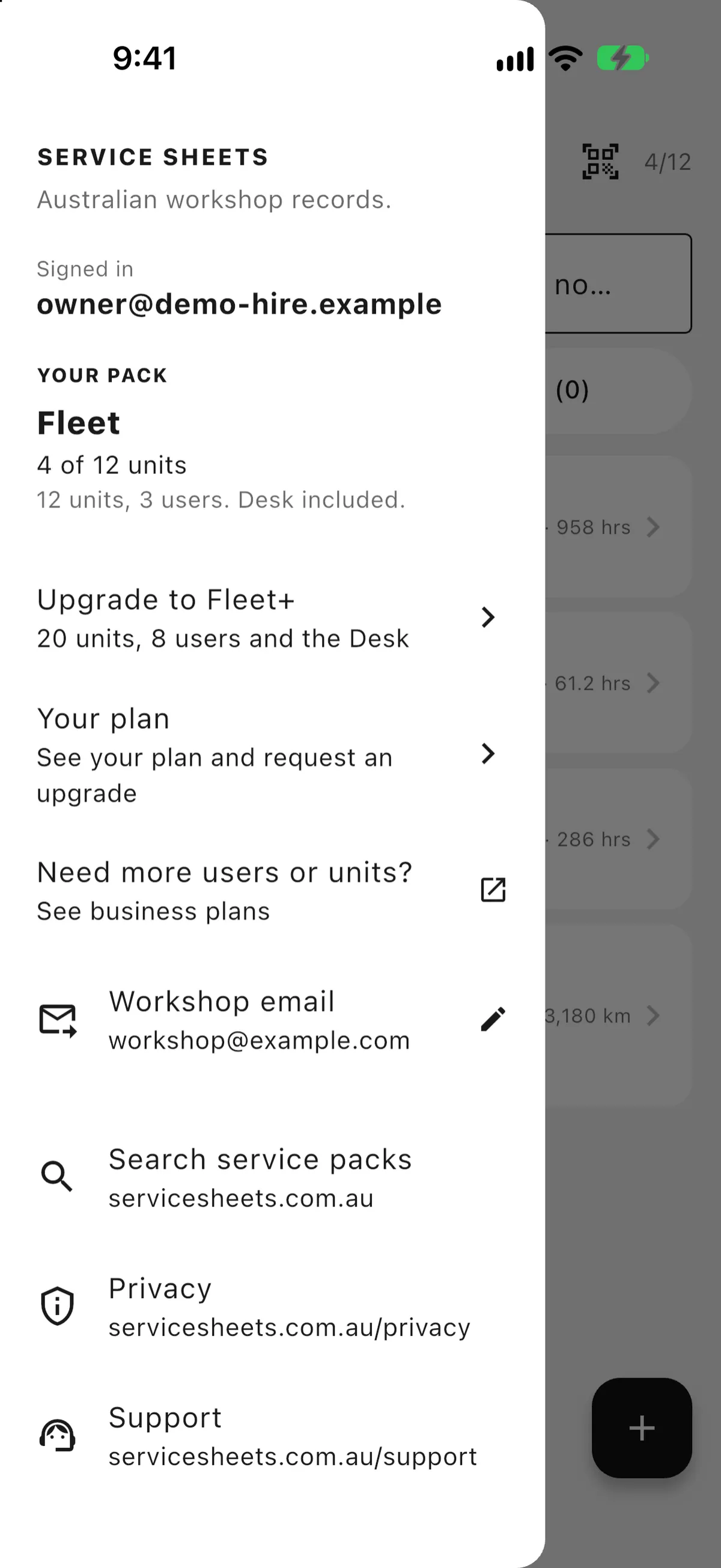
Sign in at desk.servicesheets.com.au with the same login as the app. See every unit and service log, add units, print PDFs. Changes sync both ways with the phones. The owner invites staff and sets the workshop email address used by the app.
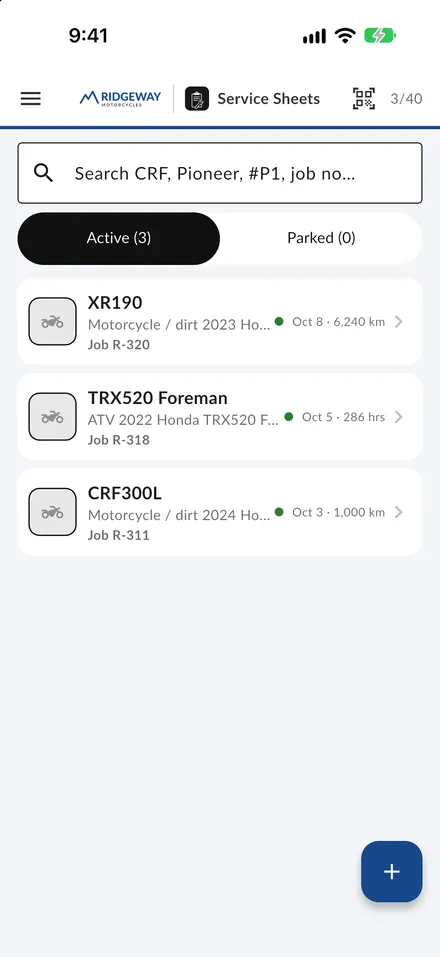
For dealers and multi-store businesses: your logo and colours on the app, Desk and PDFs. The Service Sheets mark stays alongside. Contact us to set it up.
Questions
Download Service Sheets from the App Store. Choose your subscription in the app.
No. Tick on paper, scan.
Ticks, hours, kilometres. Tied to the unit you select.
Yes. It saves on the phone and syncs when you’re back online.
The Fleet web dashboard at desk.servicesheets.com.au. Same login as the app, syncs both ways with the phones.
Yes, for dealers and multi-store businesses. Your logo and colours on the app, Desk and PDFs.
Keep every service on record.
Available on iPhone. Free to download — choose your plan in the app.